
Free online adventure games invite you to explore new places, solve problems and follow a goal from one challenge to the next. You might travel through a colourful platform world, search for hidden objects, escape a difficult level or discover a story through simple choices and puzzles.



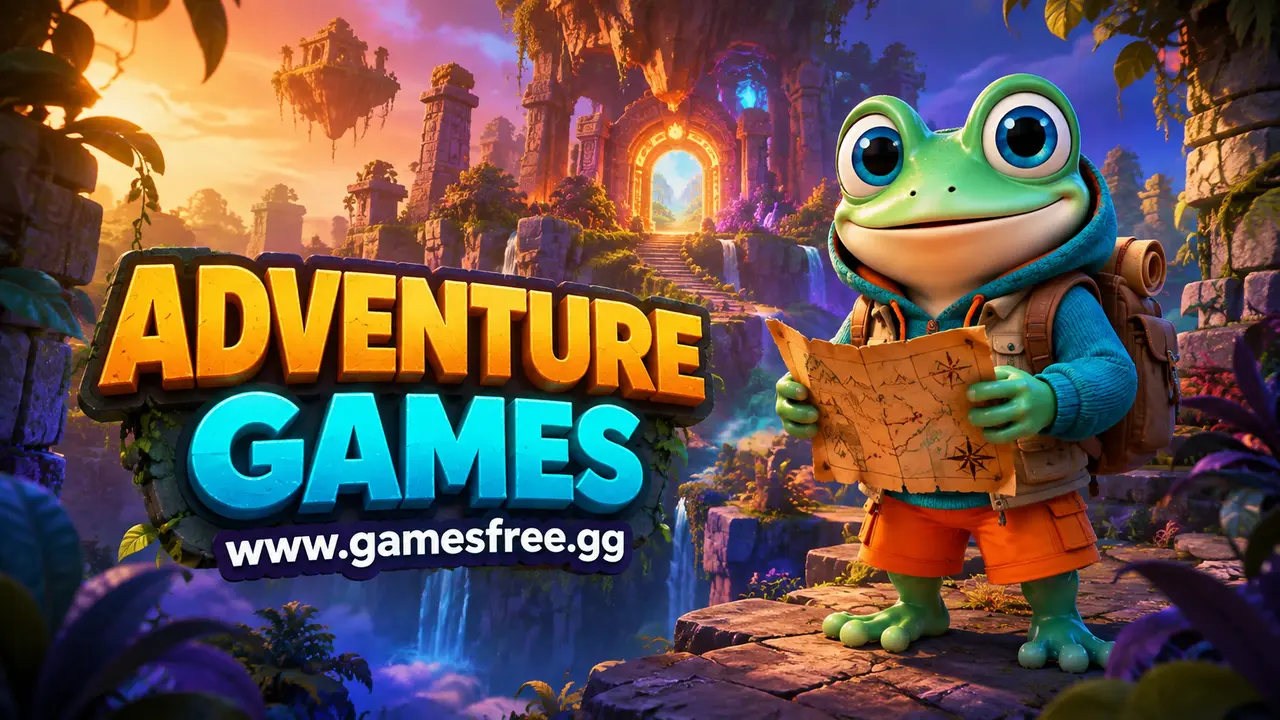
Adventure Games guide
AdventureContent reviewed: September 2026. Game availability, controls and device compatibility can change.
Adventure Games give every obstacle a reason. A locked route suggests a hidden key, an unfamiliar room invites investigation, and a distant landmark becomes the next objective. The pace can be calm or fast, but progress usually comes from noticing details and understanding what the game expects.
What are Adventure Games?
Adventure Games are games centred on exploration, objectives, characters and problem-solving. Players may travel through connected areas, collect items, follow a story, complete missions or combine clues. Many browser adventures also borrow movement from platform games and combat from Action Games.
Adventure Games differ from pure action because discovery matters as much as reaction speed. A player may need to inspect an area, remember a clue or return to an earlier location with a new item. The challenge comes from connecting information and choosing where to go next.
Why do Adventure Games feel different on GamesFree.gg?
GamesFree.gg places the playable Adventure Games grid before this guide, so players can choose a title without reading a long introduction first. The guide then explains the genre, controls, common goals and related categories in server-rendered HTML that remains readable without JavaScript.
When people search for games free to play, they usually want a quick start and clear expectations. The GamesFree.gg collection is designed for browser play. A separate game launcher is not required, although the browser still loads normal game resources. An optional site account may support features such as saved games, but it is not required to browse the category and start a standard title.
What should you expect inside Adventure Games?
The Adventure Games collection can include platform journeys, escape adventures, hidden-object challenges, story-driven choices, survival exploration and open-area games. Some are divided into short levels, while others use a larger map with several tasks available at once.
Progress is often marked by opened routes, solved tasks, collected tools or completed chapters. When a player becomes stuck, the answer may be environmental rather than mechanical. Rechecking signs, objects and previous rooms can reveal the missing step.
Which Adventure Games styles should you try?
Adventure Games cover several play styles. Use the table to match the main activity with the kind of challenge you want.
| Style | What it involves |
|---|---|
| Platform adventure | Combine jumping and movement with routes, objectives and collectible items. |
| Escape adventure | Search rooms, interpret clues and use objects to reach an exit. |
| Action-adventure | Mix exploration and missions with combat, chasing or obstacle sequences. |
| Story adventure | Follow characters and choices where dialogue or decisions shape progress. |
| Survival adventure | Explore while managing danger, limited resources or safe routes. |
Choose a platform adventure for clear movement and level goals. Choose an escape game when you prefer clues and item use. Story adventures suit players who enjoy reading and decisions, while action-adventure games are better when exploration needs regular bursts of movement or combat.
How are current Adventure Games picks selected?
Use the live game grid above for the current Adventure Games selection. Games can be added, removed or updated, so a permanent list of named top picks would become inaccurate unless each recommendation is checked against the current catalogue. Sort the archive by newest, most played or highest rated only when the required site data is available.
Choose by control method, session length and objective instead of trusting a generic best label. A suitable Adventure Games title should match the device you are using and the kind of progress you want to make.
How do you choose the right Adventure Games?
Start with the time you have and the input you prefer. A short attempt with an instant restart works for a brief break, while a level, campaign or management system suits a longer session. Next, check whether the game expects a keyboard, precise pointer control or touchscreen gestures. Browser play does not make every control scheme equally comfortable on every device.
Then identify the main objective. Some Adventure Games reward completion, others measure score, survival, accuracy, speed or resource growth. A clear objective makes it easier to compare games without relying on vague popularity labels. If you are new to the category, begin with a title that introduces one mechanic at a time and gives immediate feedback after a mistake.
Finally, treat loading and compatibility as separate from quality. A game can be well designed and still be unsuitable for a small touchscreen, an older browser or limited hardware. Check the individual game instructions, use the current catalogue rather than an outdated fixed list, and switch to a lighter title when performance prevents fair control.
What controls do browser Adventure Games use?
Adventure Games often use WASD or the arrow keys for movement, the mouse for inspection and a key such as E for interaction. Point-and-click adventures may use only the mouse or touchscreen. Inventory-based games can also require dragging an item onto the correct object.
| Input | Common use | Quick tip |
|---|---|---|
| WASD or arrow keys | Walking and exploring | Move slowly in unfamiliar areas so important objects are not missed. |
| Mouse or tap | Inspecting objects and choosing dialogue | Check the full scene before repeating the same interaction. |
| E, F or Space | Using, opening or collecting | Stand close to an object before pressing the interaction key. |
| Inventory slots | Selecting and combining items | Read item names and test logical combinations first. |
Quick tips for playing Adventure Games
- Read the objective before leaving the opening area.
- Check corners, signs and objects that differ from the background.
- Remember locked routes so you can return after finding a tool.
- Try collected items where their shape or purpose makes sense.
- Listen for sound cues that signal danger, progress or a nearby object.
- Pause and review the map or task list instead of wandering without a plan.
How can you improve your score or progress in Adventure Games?
Adventure Games do not always use a traditional high score. Progress may be measured through chapters, objectives, collected items, completion time or optional discoveries. When a timer exists, learn the route first and attempt a faster run only after the required steps are clear.
Common mistakes to avoid
Players often rush past clues because an adventure looks like an Action Game. Another common mistake is trying every item on every object without reading the environment. Careful observation usually saves more time than random interaction.
Can Adventure Games work on phones, tablets and Chromebooks?
Many 2D Adventure Games work in modern mobile and Chromebook browsers. Larger 3D worlds may need more memory, a keyboard or precise mouse control. Text size and inventory panels can also make some adventures easier to play on a larger screen.
If a game does not load, update the browser, close unused tabs and check whether an extension blocks required scripts. Trying a lighter 2D title can be more practical than forcing a demanding 3D WebGL game to run on unsupported hardware.
Are Adventure Games also unblocked games?
Some browser adventures may be listed with unblocked games, but availability depends on the network and device. GamesFree.gg does not provide instructions for bypassing school or workplace restrictions. Use the collection only where browser gaming is permitted.
What should you play after Adventure Games?
Action Games add faster reactions, Puzzle Games focus on logic, Simulation Games provide systems to manage, and Running Games concentrate on movement through obstacles.
Frequently asked questions about Adventure Games
What makes a game an adventure game?
Adventure games usually focus on exploration, objectives, characters, stories or problem-solving. Many also include action, platform or puzzle elements.
Are online adventure games free?
The browser games in this collection can be played free on GamesFree.gg. Advertising and individual third-party game features can vary.
Can adventure games work on a Chromebook?
Many HTML5 and WebGL adventure games work in a modern Chromebook browser. Performance depends on the game, browser version, device and network.
Are Adventure Games the same as role-playing games?
No. The genres overlap, but role-playing games usually emphasise character statistics and development. Adventure Games focus more directly on exploration, objectives and problem-solving.
What should I do when I am stuck in an Adventure Game?
Review the current objective, inspect unusual objects and revisit locked routes after collecting a new item. A missed clue is often the cause.
Can Adventure Games be played with touch controls?
Point-and-click adventures often suit touchscreens. Games with 3D movement or several action keys may work better with a keyboard and mouse.
Do all Adventure Games have a story?
Most Adventure Games provide an objective or setting, but not every title has detailed dialogue or characters. Some focus mainly on exploration and environmental puzzles.
Are browser Adventure Games suitable for long sessions?
Some have multiple chapters or larger maps, while others can be completed in a short session. Check the game description and saving method before starting.
Editorial note: GamesFree.gg organises Adventure Games by gameplay, controls and style of play. The page avoids fixed game-count and universal device claims because the catalogue and third-party game compatibility can change.