

Clicker games turn a simple action into a growing challenge. Click or tap to earn points, currency or resources, then spend those rewards on upgrades and new stages.


Clicker Games guide
ClickerContent reviewed: September 2026. Game availability, controls and device compatibility can change.
Clicker Games begin with one small action and turn it into a system of upgrades, automation and rapidly growing numbers. The first clicks may earn a single resource. Later decisions determine which upgrade produces the largest improvement and when active clicking is still worth the effort.
What are Clicker Games?
Clicker Games reward repeated clicks or taps with points, currency or resources. Players spend those rewards on upgrades that increase each click, unlock new features or automate production. Many Clicker Games overlap with idle and incremental games.
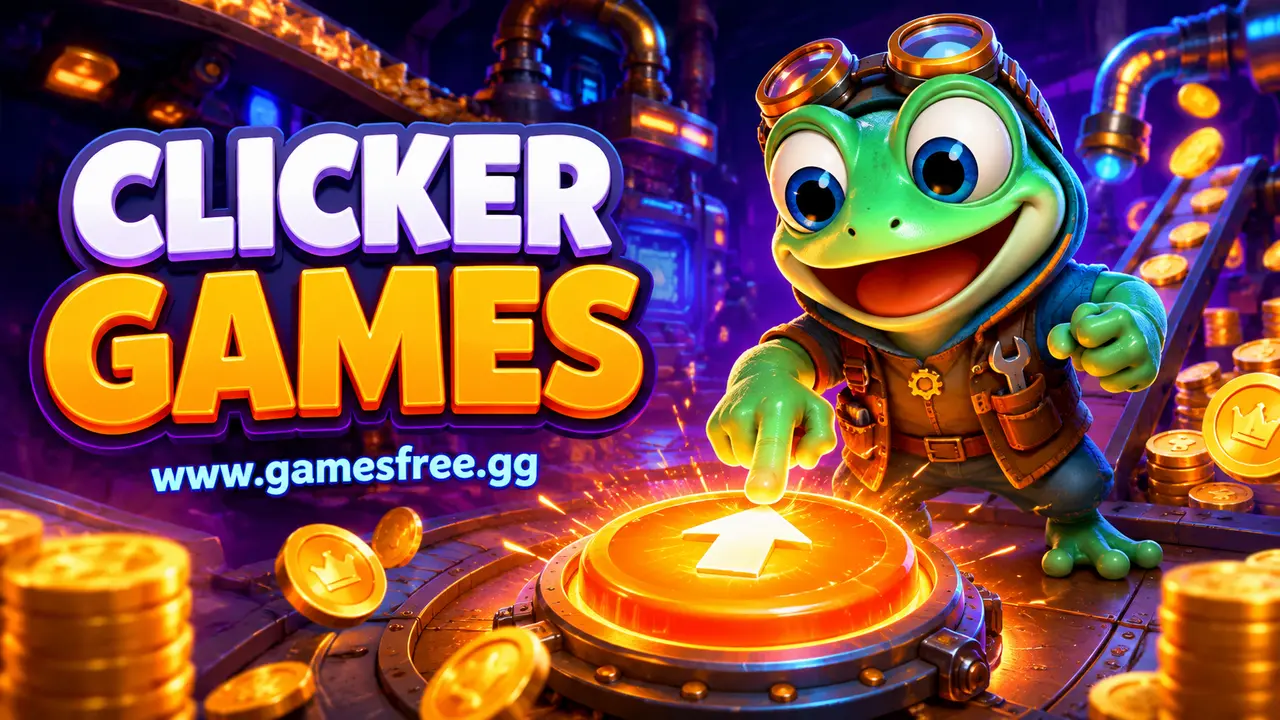
The interesting part is not the click itself but the growth system behind it. A useful upgrade changes the pace of progress, and several upgrades can multiply one another. The player decides whether to buy a small improvement now or save for a larger one later.
Why do Clicker Games feel different on GamesFree.gg?
GamesFree.gg places the playable Clicker Games grid before this guide, so players can choose a title without reading a long introduction first. The guide then explains the genre, controls, common goals and related categories in server-rendered HTML that remains readable without JavaScript.
When people search for games free to play, they usually want a quick start and clear expectations. The GamesFree.gg collection is designed for browser play. A separate game launcher is not required, although the browser still loads normal game resources. An optional site account may support features such as saved games, but it is not required to browse the category and start a standard title.
What should you expect inside Clicker Games?
The Clicker Games collection can include business builders, creature collectors, mining games, food themes, training games and abstract number growth. Some require frequent input, while others gradually shift toward automatic production and occasional management.
Progress appears through larger totals, new production layers, unlocked areas, achievements or reset systems that provide permanent bonuses. A reset may look like lost progress, but prestige mechanics normally trade the current run for faster future growth.
Which Clicker Games styles should you try?
Clicker Games cover several play styles. Use the table to match the main activity with the kind of challenge you want.
| Style | What it involves |
|---|---|
| Active clicker | Reward frequent taps and upgrades that increase the value of each input. |
| Idle clicker | Combine manual clicks with automatic income that grows over time. |
| Incremental builder | Add new production layers, resources and multipliers as totals rise. |
| Collector clicker | Use progress to unlock characters, objects or visual collections. |
| Prestige clicker | Reset a run in exchange for a permanent advantage. |
Choose an active clicker when you want constant input. Choose an idle clicker when you prefer checking upgrades occasionally. Incremental builders suit players who enjoy interacting systems, while prestige games work best for long-term progress across several resets.
How are current Clicker Games picks selected?
Use the live game grid above for the current Clicker Games selection. Games can be added, removed or updated, so a permanent list of named top picks would become inaccurate unless each recommendation is checked against the current catalogue. Sort the archive by newest, most played or highest rated only when the required site data is available.
Choose by control method, session length and objective instead of trusting a generic best label. A suitable Clicker Games title should match the device you are using and the kind of progress you want to make.
How do you choose the right Clicker Games?
Start with the time you have and the input you prefer. A short attempt with an instant restart works for a brief break, while a level, campaign or management system suits a longer session. Next, check whether the game expects a keyboard, precise pointer control or touchscreen gestures. Browser play does not make every control scheme equally comfortable on every device.
Then identify the main objective. Some Clicker Games reward completion, others measure score, survival, accuracy, speed or resource growth. A clear objective makes it easier to compare games without relying on vague popularity labels. If you are new to the category, begin with a title that introduces one mechanic at a time and gives immediate feedback after a mistake.
Finally, treat loading and compatibility as separate from quality. A game can be well designed and still be unsuitable for a small touchscreen, an older browser or limited hardware. Check the individual game instructions, use the current catalogue rather than an outdated fixed list, and switch to a lighter title when performance prevents fair control.
What controls do browser Clicker Games use?
Most Clicker Games use a mouse or touchscreen. Some add keyboard shortcuts for buying upgrades, changing quantities or activating temporary bonuses. Rapid clicking should never require uncomfortable force; steady input and sensible upgrades are more useful than straining a hand.
| Input | Common use | Quick tip |
|---|---|---|
| Click or tap | Generate the main resource | Use a comfortable pace instead of forcing maximum speed. |
| Upgrade buttons | Improve clicks or automatic production | Compare the cost with the increase before buying. |
| Quantity selector | Buy one, ten or the maximum amount | Use larger batches only when they do not block a stronger upgrade. |
| Keyboard shortcuts | Buy or activate features quickly | Confirm the shortcut before using it near a reset control. |
Quick tips for playing Clicker Games
- Compare upgrade cost with the production increase it provides.
- Buy automation when active clicking stops being the main source of progress.
- Save temporary boosts for periods when production is already high.
- Read reset or prestige warnings before confirming them.
- Check whether offline progress is supported before closing the browser.
- Use a comfortable input rhythm and take breaks during active play.
How can you improve your score or progress in Clicker Games?
Clicker Games may not use a traditional score. Progress is usually measured by resources per second, upgrade levels, unlocked milestones or completion time. Efficient play means reaching the next major multiplier with fewer low-value purchases.
Common mistakes to avoid
Buying every available upgrade can feel productive but may delay the purchase that changes production most. Another mistake is assuming the game continues while closed. Offline progress varies, and some browser games only calculate resources while the page remains active.
Can Clicker Games work on phones, tablets and Chromebooks?
Clicker Games often fit phones and tablets because the main input is tapping. Dense upgrade menus and small numbers may be easier to read on a larger screen. Browser storage can affect saving, so clearing site data may remove local progress in some titles.
If a game does not load, update the browser, close unused tabs and check whether an extension blocks required scripts. Trying a lighter 2D title can be more practical than forcing a demanding 3D WebGL game to run on unsupported hardware.
Are Clicker Games also unblocked games?
A Clicker Game may appear among unblocked games when it runs in a standard browser, but that label does not override network policy. Play only on devices and connections where gaming is allowed.
What should you play after Clicker Games?
Idle Games place more emphasis on automatic progress, Casual Games provide other accessible formats, Strategy Games reward planning, and Simulation Games offer larger systems to manage.
Frequently asked questions about Clicker Games
What is a clicker game?
A clicker game rewards repeated clicks or taps. Players normally spend those rewards on upgrades that increase progress or automate production.
What is the difference between clicker and idle games?
Clicker games emphasise active input. Idle games place more emphasis on automatic progress, although many titles combine both systems.
Can clicker games be played without a download?
Yes. Browser-based clicker games can run online without a separate game installation.
What is the difference between Clicker Games and Idle Games?
Clicker Games emphasise repeated player input. Idle Games place more weight on automatic production, although many titles combine both systems.
Do Clicker Games continue when the browser is closed?
Some calculate offline progress, while others stop completely. Check the selected game rules before closing the page.
What does prestige mean in a Clicker Game?
Prestige resets part of the current progress in exchange for a permanent bonus. The purpose is to make later runs faster or unlock new systems.
Can rapid clicking damage a mouse or cause discomfort?
Very forceful or extended clicking can be uncomfortable. Use a relaxed pace, take breaks and rely on in-game automation when available.
How do Clicker Games save progress?
Many browser Clicker Games use local browser storage, while others use an account or provide no persistent save. Clearing browser data can remove local saves.
Editorial note: GamesFree.gg organises Clicker Games by gameplay, controls and style of play. The page avoids fixed game-count and universal device claims because the catalogue and third-party game compatibility can change.