

Casual games are made for easy, enjoyable play. They usually have clear rules, simple controls and short sessions, so you can start without learning a complicated system.





Casual Games guide
CasualContent reviewed: September 2026. Game availability, controls and device compatibility can change.
Casual Games are built for the moment when you want to play without studying a long tutorial. The rules are readable, the controls are approachable and stopping after one round is possible. The category can still become challenging, but it introduces that challenge without unnecessary complexity.
What are Casual Games?
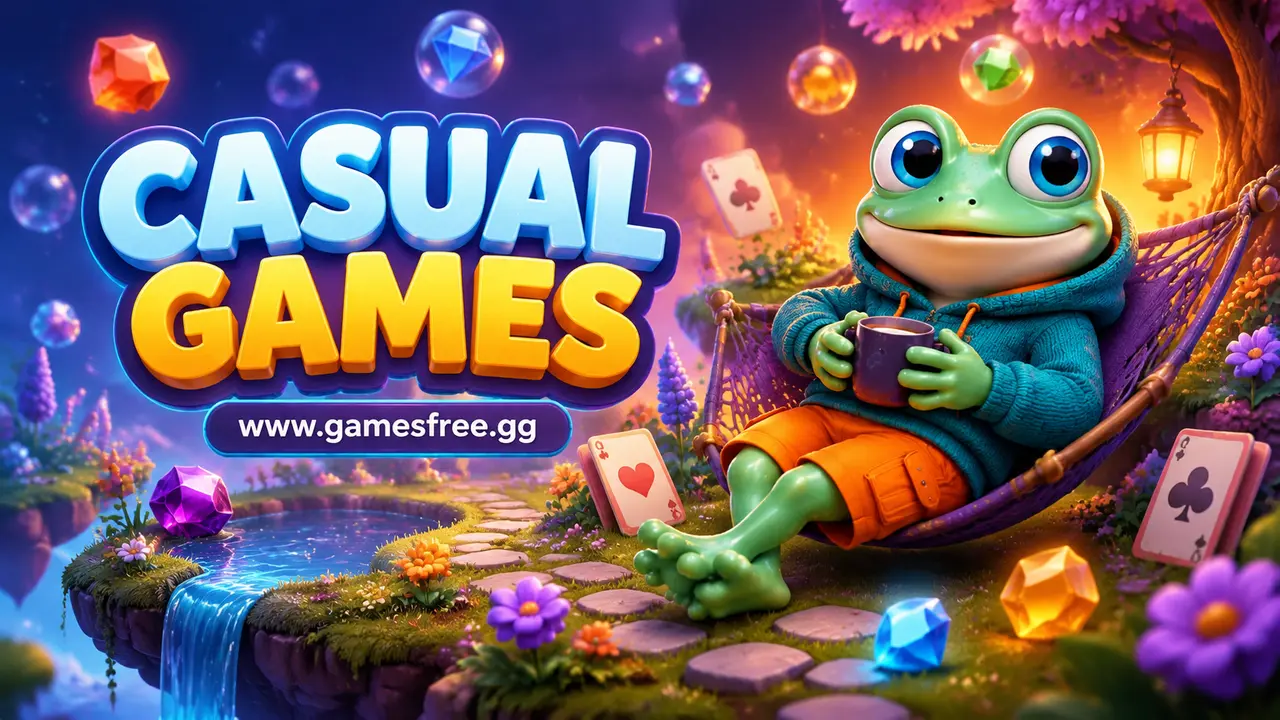
Casual Games are games designed around accessible rules, flexible session lengths and simple interaction. They can include matching, sorting, clicker, cooking, word, creative and light skill challenges. Casual describes how easily a game can be approached, not a single theme.
A Casual Game usually teaches by showing rather than explaining. The player makes one clear action, sees the result and understands the next step. This makes the category useful for new players, touch devices and short sessions, while later levels can still reward planning and accuracy.
Why do Casual Games feel different on GamesFree.gg?
GamesFree.gg places the playable Casual Games grid before this guide, so players can choose a title without reading a long introduction first. The guide then explains the genre, controls, common goals and related categories in server-rendered HTML that remains readable without JavaScript.
When people search for games free to play, they usually want a quick start and clear expectations. The GamesFree.gg collection is designed for browser play. A separate game launcher is not required, although the browser still loads normal game resources. An optional site account may support features such as saved games, but it is not required to browse the category and start a standard title.
What should you expect inside Casual Games?
The Casual Games collection can include relaxing puzzles, merge games, decoration activities, simple management tasks, clickers and quick reaction games. Some are level-based, while others use an endless score, steady upgrades or creative play without a strict finish.
Progress may appear through completed levels, unlocked objects, larger collections or gradually improved scores. Casual Games often introduce one mechanic at a time, allowing players to learn without managing several control systems at once.
Which Casual Games styles should you try?
Casual Games cover several play styles. Use the table to match the main activity with the kind of challenge you want.
| Style | What it involves |
|---|---|
| Matching | Find or combine related colours, shapes or objects. |
| Sorting | Organise items according to a clear rule or destination. |
| Clicker and idle | Build progress through taps, upgrades and automatic production. |
| Creative | Decorate, design or combine items with limited pressure. |
| Light management | Serve customers or organise resources through short tasks. |
Choose a matching or sorting game for a clear puzzle, a clicker for steady numerical progress, or a creative game when scores are less important. Light management games fit players who enjoy planning a sequence of small tasks without a complex simulation.
How are current Casual Games picks selected?
Use the live game grid above for the current Casual Games selection. Games can be added, removed or updated, so a permanent list of named top picks would become inaccurate unless each recommendation is checked against the current catalogue. Sort the archive by newest, most played or highest rated only when the required site data is available.
Choose by control method, session length and objective instead of trusting a generic best label. A suitable Casual Games title should match the device you are using and the kind of progress you want to make.
How do you choose the right Casual Games?
Start with the time you have and the input you prefer. A short attempt with an instant restart works for a brief break, while a level, campaign or management system suits a longer session. Next, check whether the game expects a keyboard, precise pointer control or touchscreen gestures. Browser play does not make every control scheme equally comfortable on every device.
Then identify the main objective. Some Casual Games reward completion, others measure score, survival, accuracy, speed or resource growth. A clear objective makes it easier to compare games without relying on vague popularity labels. If you are new to the category, begin with a title that introduces one mechanic at a time and gives immediate feedback after a mistake.
Finally, treat loading and compatibility as separate from quality. A game can be well designed and still be unsuitable for a small touchscreen, an older browser or limited hardware. Check the individual game instructions, use the current catalogue rather than an outdated fixed list, and switch to a lighter title when performance prevents fair control.
What controls do browser Casual Games use?
Casual Games often use a mouse or touchscreen for clicking, tapping, dragging and dropping. Keyboard controls appear in some skill and management titles. Because many actions involve small objects, screen size and accurate touch targets can affect comfort.
| Input | Common use | Quick tip |
|---|---|---|
| Click or tap | Select objects and confirm actions | Pause briefly to avoid selecting the wrong item. |
| Drag and drop | Move, sort or combine items | Release only when the target area is highlighted. |
| Swipe | Move pieces or change screens | Use short deliberate gestures near the centre of the play area. |
| Number or letter keys | Choose tools or shortcuts | Learn shortcuts only after the basic mouse controls feel clear. |
Quick tips for playing Casual Games
- Read the level goal before making the first move.
- Use hints only after checking the full board yourself.
- Keep limited spaces free until you understand what must be stored.
- Plan two moves ahead in matching and sorting levels.
- Spend upgrades on the action that slows progress most.
- Choose a different casual style when a timed level feels stressful.
How can you improve your score or progress in Casual Games?
Casual Game scores can reward efficiency, remaining moves, completion time or collected objects. A calm first attempt often reveals the rules better than fast tapping. Once the pattern is understood, the player can reduce wasted moves and improve the result.
Common mistakes to avoid
The easiest-looking move is not always the useful one. Matching the first available objects can remove options needed later, and spending every upgrade immediately can delay a stronger purchase. Check the goal and available resources before acting.
Can Casual Games work on phones, tablets and Chromebooks?
Many Casual Games suit mobile browsers because they use taps and dragging. Games with small text, crowded boards or precise placement may be clearer on a tablet or computer. Compatibility still depends on the game and browser.
If a game does not load, update the browser, close unused tabs and check whether an extension blocks required scripts. Trying a lighter 2D title can be more practical than forcing a demanding 3D WebGL game to run on unsupported hardware.
Are Casual Games also unblocked games?
Casual Games and unblocked games are different categories. A casual title may be browser-based and require no separate installation, but network access remains controlled by the school, workplace or public-network operator.
What should you play after Casual Games?
Puzzle Games add more reasoning, Sorting Games focus on organisation, Clicker Games build progress through repeated input, and Cooking Games combine accessible controls with timed tasks.
Frequently asked questions about Casual Games
What are casual games?
Casual games use accessible rules and controls. They are usually easy to begin and suitable for short or flexible play sessions.
Are casual games only for mobile phones?
No. Casual games are available on phones, tablets, laptops and desktop computers. Compatibility depends on the individual browser game.
Which categories are similar to casual games?
Puzzle, Clicker, Sorting, Cooking and Idle Games often share the simple, relaxed style associated with casual play.
Are Casual Games always easy?
Casual Games are easy to approach, but later levels can become difficult. Accessible controls do not prevent a game from testing planning, timing or accuracy.
Which Casual Games work well on touchscreens?
Games built around taps, swipes and large drag targets usually fit touchscreens. Check each title because some still require a keyboard or precise mouse input.
Can Casual Games be played for five minutes?
Many use short levels or flexible stopping points. Idle and management games may encourage longer progress, but one session can still be brief.
Are puzzle games also Casual Games?
Some Puzzle Games are casual because they use accessible rules and short levels. More complex logic or strategy puzzles may target a different style of play.
Do Casual Games need an account?
The standard GamesFree.gg library can be played without an account. Saving and profile features may be optional when available.
Editorial note: GamesFree.gg organises Casual Games by gameplay, controls and style of play. The page avoids fixed game-count and universal device claims because the catalogue and third-party game compatibility can change.